You're probably in one of two situations right now. Either you've already connected Shopify and Klaviyo, but revenue from email still feels underwhelming. Or you haven't connected them yet, and every guide you find stops at “install the app,” as if the install itself is the strategy.
That's the gap that matters.
A Shopify Klaviyo integration only becomes valuable when the synced data drives the right flows, segments, and list-growth systems. If all you do is send occasional campaigns to one big list, you're not using the stack. You're renting a small piece of what it can do.
Table of Contents
- From Connection to Conversion Why This Integration Matters
- The Foundational Setup and Configuration
- Mapping and Verifying Your Core Data Sync
- Building Your First High-Value Flows and Segments
- Integrating Coupon Codes and Pop-Up Tools Like SmashPops
- Final QA, Compliance, and Common Troubleshooting
From Connection to Conversion Why This Integration Matters
A lot of Shopify stores don't have a traffic problem. They have a follow-up problem.
Someone views a product, leaves, and hears nothing. A first-time buyer places an order, then gets the same generic newsletter as everyone else. A repeat customer buys from one collection three times and still gets broad promotions with no relevance to what they care about. That's where money leaks out of the system.
The reason the Shopify Klaviyo integration matters isn't that it's convenient. It matters because it turns store activity into usable marketing signals. Klaviyo's Shopify connection is built within a broader ecosystem of 350+ prebuilt integrations, and Shopify describes it as an app-based install that can be operational in less than an hour while syncing customer profiles, order history, and behavioral events into Klaviyo for segmentation and automation, as outlined in Shopify's Klaviyo overview.
What changes after the connection
Before the integration, email marketing often looks like list management. You export contacts, upload them somewhere, and send a batch campaign.
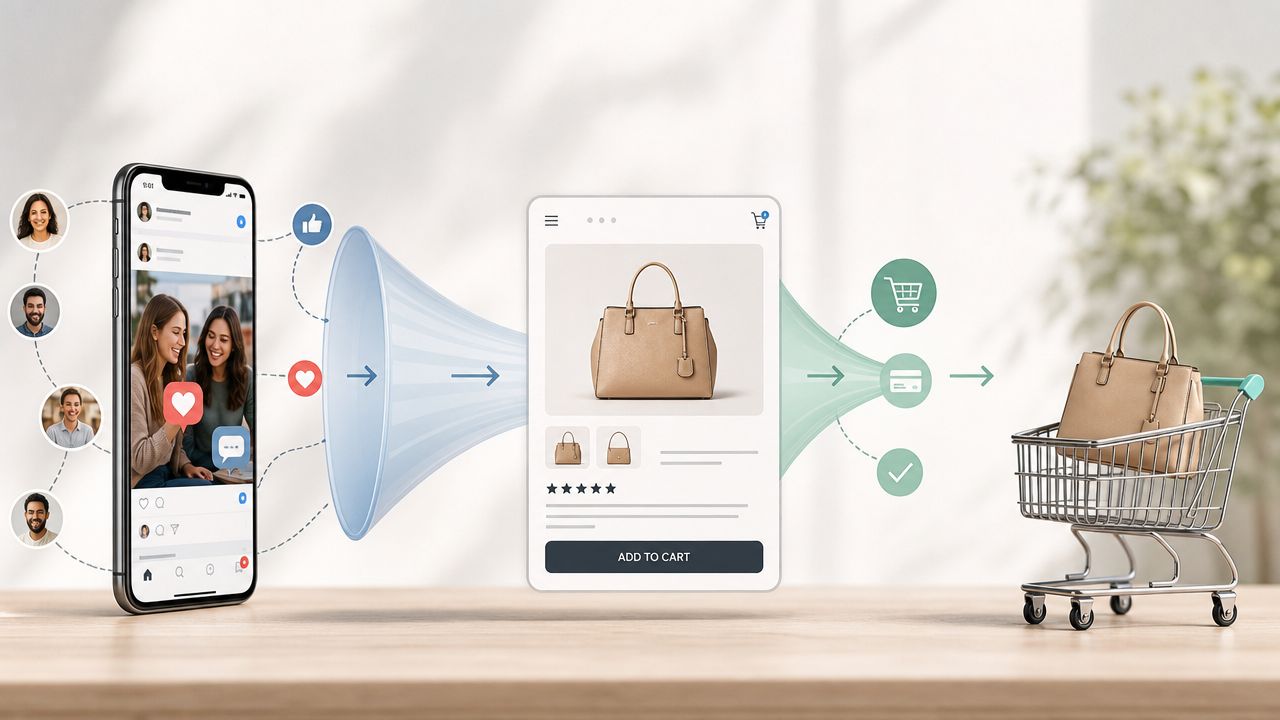
After the integration is configured correctly, the model changes. Product views, checkout activity, purchases, and subscriber status can feed automations. That lets you send messages based on what the shopper did, not just when your team had time to build a campaign.
Practical rule: Don't think of Shopify and Klaviyo as storefront plus email platform. Think of them as behavior capture plus response engine.
That shift is where the true value sits. A welcome flow can adapt to whether the subscriber has purchased. A browse abandonment email can feature the product they viewed. A post-purchase flow can branch based on what category they bought from. None of that works reliably if the integration is treated like a box to check.
Why generic newsletters underperform
Mass sends still have a role. You'll use them for launches, promos, and seasonal pushes. But if your account depends on campaigns alone, you force every sale through manual effort.
Stores get better results when they let automation handle the moments with the highest intent:
- New subscriber intent when someone joins your list
- Cart intent when someone starts checkout but doesn't finish
- Browse intent when someone shows product interest without adding to cart
- Repeat-purchase intent after a successful first or second order
Those moments are already happening in your store. The integration gives you a way to capture and act on them in time.
The Foundational Setup and Configuration
Most setup problems happen because the store owner completes the connection but not the tracking. Shopify and Klaviyo can appear connected in the dashboard while key events still fail to populate.
What a healthy setup actually includes
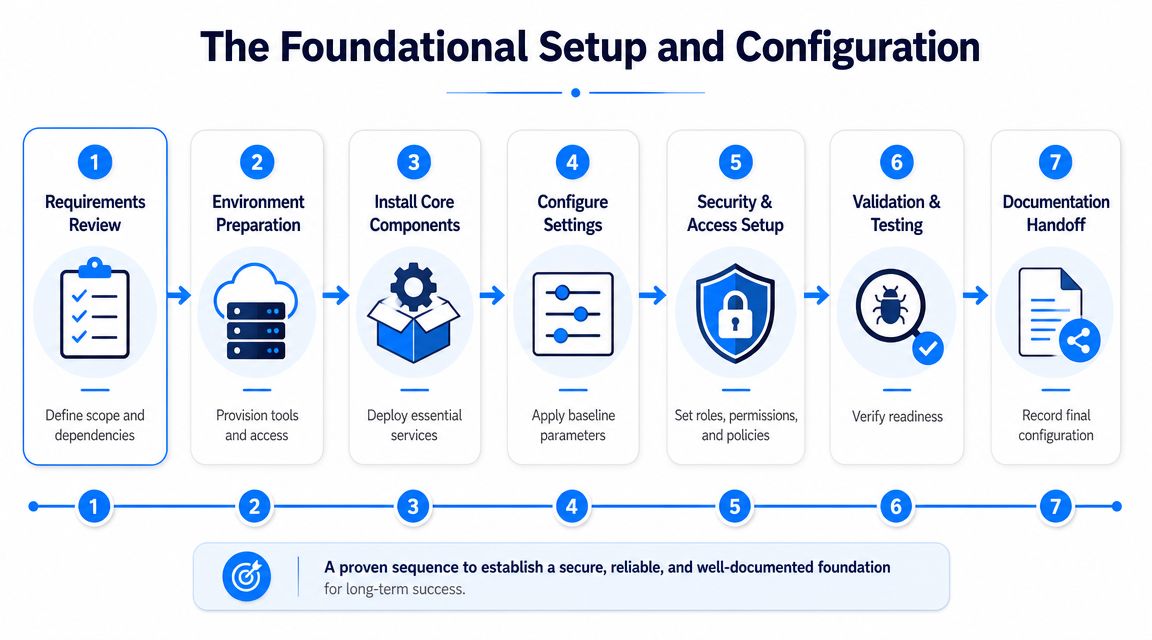
A working Shopify Klaviyo integration has two layers:
- The app connection between Shopify and Klaviyo
- The onsite tracking layer inside your Shopify theme
Klaviyo's help documentation makes this distinction clear. The app needs to be installed and authorized, and the onsite tracking app embed must be enabled in Shopify theme settings because events like Viewed Product and Active on Site depend on that embed, as explained in Klaviyo's Shopify integration setup guide.
This is the step that breaks a lot of browse-based automations. The integration looks live, but the store isn't actually sending the behavior data those flows need.
The install path that works
Use this sequence and keep it simple.
- Install the Klaviyo app from the Shopify App Store and approve the requested permissions.
- Open Klaviyo and add Shopify as an integration from the integrations area.
- Authorize your store connection using your Shopify store URL and confirm access.
- Choose subscriber sync settings so Shopify subscriber activity maps into the list structure you want in Klaviyo.
- Review sync options before finalizing the connection.
At this stage, many stores stop. Don't stop here.
A fast technical connection doesn't mean a revenue-ready account. One implementation benchmark notes that the initial connection can happen in under an hour, while a full production setup often takes longer once you include flows, historical backfill, segmentation, and sending infrastructure. That trade-off is normal. Quick install, slower refinement.
The step most stores miss
Go into your Shopify theme settings and turn on the Klaviyo app embed.
That action is not housekeeping. It's what powers onsite tracking. If it stays off, your list may still collect purchasers and synced profiles, but your behavior-based flows will be thin or unreliable. Browse abandonment becomes weaker. Viewed Product segmentation becomes incomplete. Any logic based on visitor intent starts to erode.
Use this quick checklist after you enable it:
| Check | Why it matters |
|---|---|
| App installed | Creates the base connection between platforms |
| Store authorized in Klaviyo | Allows profile, order, and subscriber data to sync |
| Subscriber sync reviewed | Prevents messy list structure later |
| App embed enabled in theme | Required for onsite behavioral tracking |
| Theme published with embed active | Ensures real storefront traffic triggers events |
A few setup decisions are worth making early because they save cleanup later:
- Define your main newsletter list first so forms, checkouts, and pop-up tools don't send contacts into fragmented lists.
- Name flows by trigger, not by creative. “Welcome Flow Main” is easier to manage than “Spring Intro Series.”
- Keep your event strategy clean. If a flow depends on Viewed Product, verify that event before you build emails around it.
- Separate connection tasks from marketing tasks. The install belongs to operations. The revenue logic belongs to lifecycle marketing.
Critical step: Don't mark the Shopify Klaviyo integration as complete until the app embed is active and you've confirmed onsite events are populating.
That's the difference between a connected account and a usable one.
Mapping and Verifying Your Core Data Sync
Once the connection is live, verify the data with your own behavior. Don't trust a green checkmark in the integration area. Trust the profile timeline.
What to test inside your own store
Run three simple actions on the storefront using a test email address:
- Browse a few product pages so you can check whether product-level activity appears.
- Start a cart or checkout and stop so you can confirm abandonment-related events.
- Place a real test order if your store setup allows it, because purchase events and order properties are the backbone of post-purchase automation.
This is the fastest way to validate whether your Shopify Klaviyo integration is only connected or sending the signals you plan to use.
If you're also feeding subscriber data from a pop-up or other capture source, keep the field mapping tight. Email is the required field. First name, phone, consent state, country, and coupon metadata can also be useful if your forms collect them cleanly. A practical reference for sending collected signup data into email platforms is this guide on sending collected data to Klaviyo and similar providers.
What you should see in Klaviyo
Open the test profile in Klaviyo and inspect the activity timeline. You're looking for evidence that shopper actions are arriving with the right context.
A healthy profile usually shows a sequence something like this:
- Profile creation or update
- Product browsing activity
- Cart or checkout activity
- Placed order activity if you completed a purchase
Don't focus only on whether an event exists. Check whether the event is usable. Does the product event reference the item you viewed? Does the order event map to the right customer profile? Does the timeline feel coherent, or is it missing intent steps between browse and purchase?
A synced profile without meaningful event history won't support strong automation. The account may be technically connected, but the marketing layer will still feel blind.
A few warning signs show up quickly during verification:
- Purchases appear, but product views do not. That usually points back to tracking rather than the base integration.
- Profiles sync, but list subscriptions don't align. Your subscriber sync settings or form mappings may need cleanup.
- Events show up on the wrong profile. Test again with a clean email and controlled session so you can isolate the issue.
This step isn't glamorous, but it prevents weeks of building flows on top of incomplete data.
Building Your First High-Value Flows and Segments
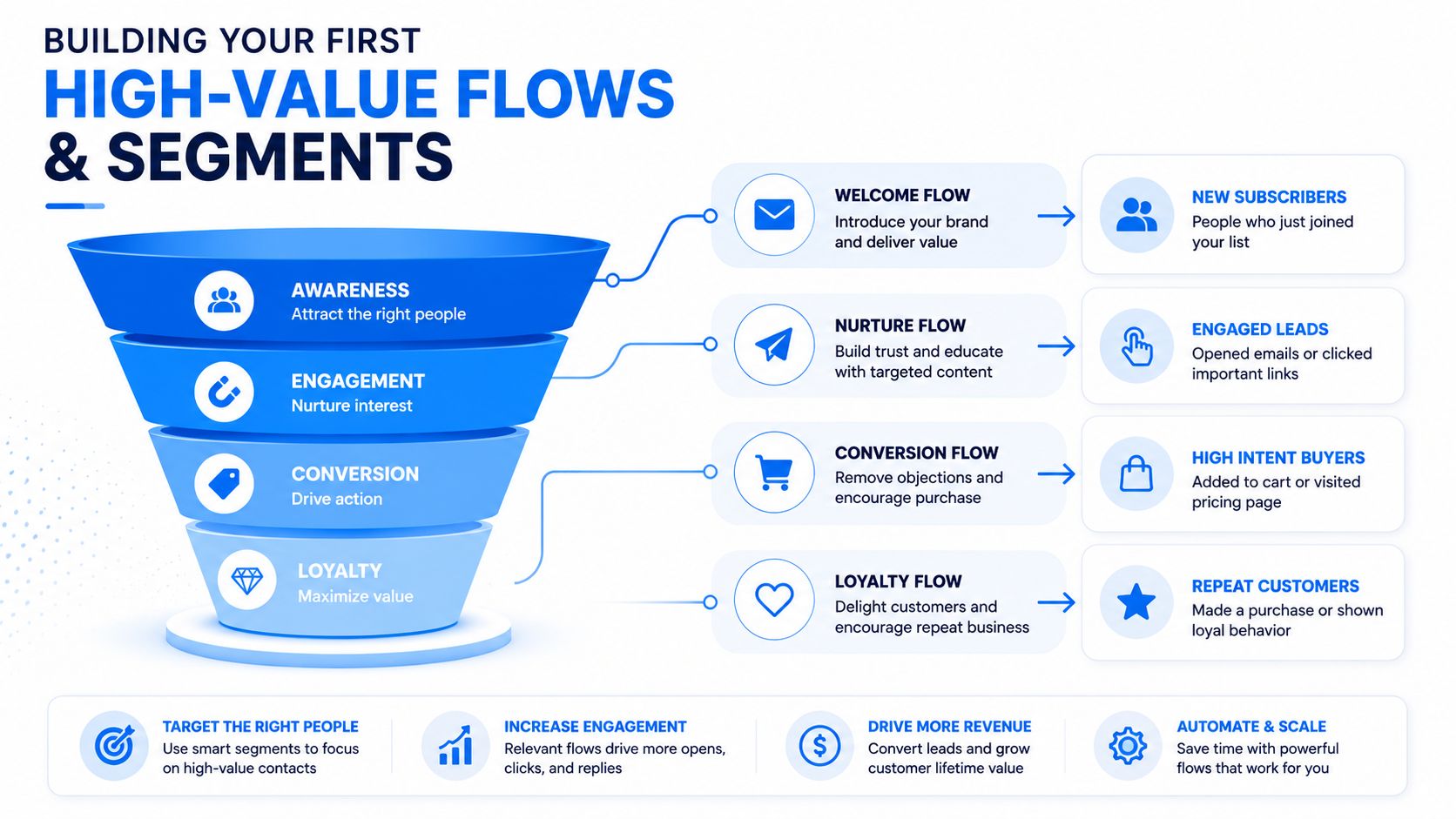
Once your event data is verified, stop thinking in terms of “email campaigns” and start thinking in terms of customer states. Someone is new, browsing, abandoning, buying, reordering, or fading out. Flows work because they answer those states in time.
One implementation study cited in coverage of the Shopify-Klaviyo partnership reported 73% revenue growth over three years when merchants used tightly integrated data to drive automated repeat sales, according to Digital Commerce 360's reporting on the deeper Shopify-Klaviyo integration. You don't need to copy any single brand's setup to understand the lesson. The revenue upside comes from using synced commerce data to automate the obvious moments.
The three flows to launch first
Start with three. More than that, and focus often dilutes.
Welcome series
Trigger this when a new subscriber joins your main list.
The first email should deliver the promise made at signup, whether that's brand education, a coupon, or access to a launch. The next message should reduce buying friction with product education, social proof, FAQs, or category guidance. The final message can introduce urgency or a stronger product-led angle.
What works:
- A clear first email that matches the form offer
- Product discovery built around category fit
- Branching logic that removes buyers from the non-buyer path
What doesn't:
- Generic founder story emails with no buying path
- Delayed coupon delivery
- Sending the same welcome sequence to recent purchasers
Abandoned cart
Use this for people who reached cart or checkout and left without ordering.
The emails should focus on completion, not persuasion from scratch. Remind them what they left behind, reinforce confidence, and answer likely objections like shipping, returns, compatibility, sizing, or usage.
A practical structure:
- Email one reminds them of the cart contents
- Email two answers hesitation with useful product context
- Email three adds urgency carefully if that fits your brand
Keep cart emails close to the buying decision. If the copy reads like a newsletter, the shopper has already mentally moved on.
Browse abandonment
Many stores often leave money on the table. Browse abandonment catches shoppers who showed intent but never made it to cart.
The message shouldn't feel pushy. It should feel helpful. Show the viewed item, related products, or category-specific education. This flow works best when your product pages receive meaningful traffic but cart volume lags behind.
Segments that actually change campaign performance
Good segmentation makes campaigns cleaner. Great segmentation changes what you send at all.
Use segments that map to commercial decisions:
| Segment | Useful logic | Why it matters |
|---|---|---|
| Potential first-time buyers | Subscribed, never purchased | Best audience for education, entry offers, and hero-product campaigns |
| VIP customers | Repeat buyers or high-engagement purchasers | Good for early access, bundles, and loyalty-led messaging |
| At-risk customers | No recent order activity | Supports reactivation before the customer goes cold |
| Category buyers | Purchased from a specific collection or product type | Helps keep cross-sell and replenishment relevant |
A common mistake is building segments that sound smart but don't lead to action. If the segment doesn't clearly change the creative, timing, or offer, it's probably too abstract.
For most Shopify stores, the early win comes from combining these segments with the three core flows above. That's how the Shopify Klaviyo integration starts acting like a revenue system instead of a data sync.
Integrating Coupon Codes and Pop-Up Tools Like SmashPops
Coupon delivery is where a lot of list-growth setups break. The visitor signs up, expects the offer instantly, and then hits friction. The email is delayed, the code is wrong, or the subscriber lands in the wrong list and misses the welcome flow entirely.
That handoff needs to be tight.
How the coupon handoff should work
The clean model is simple. A visitor submits an email, receives or obtains a unique incentive, gets added to the right Klaviyo list, and immediately enters the welcome flow that delivers the promised code and follow-up messaging.
That system works best when each tool has a defined role:
- Shopify handles the commerce layer and discount logic
- Klaviyo handles list membership, automation, and message delivery
- Your pop-up tool handles capture, qualification, and initial offer presentation
If you're using unique Shopify coupon codes with an external capture tool, make sure the code logic and email flow logic agree with each other. Don't show one incentive onsite and send a different one by email. Don't drop every captured lead into the same list if some are entering through a promo and others through content signup.
A practical walkthrough for handing off coupon codes through your own provider is this guide on sending coupon codes through Klaviyo or similar email platforms.
Where gamified pop-ups fit
A gamified pop-up can be useful when your standard forms feel invisible or when discounting is already part of your acquisition strategy. The benefit isn't novelty by itself. The benefit is that the interaction gives the visitor a reason to stop, engage, and complete the signup with higher intent than a passive banner usually gets.
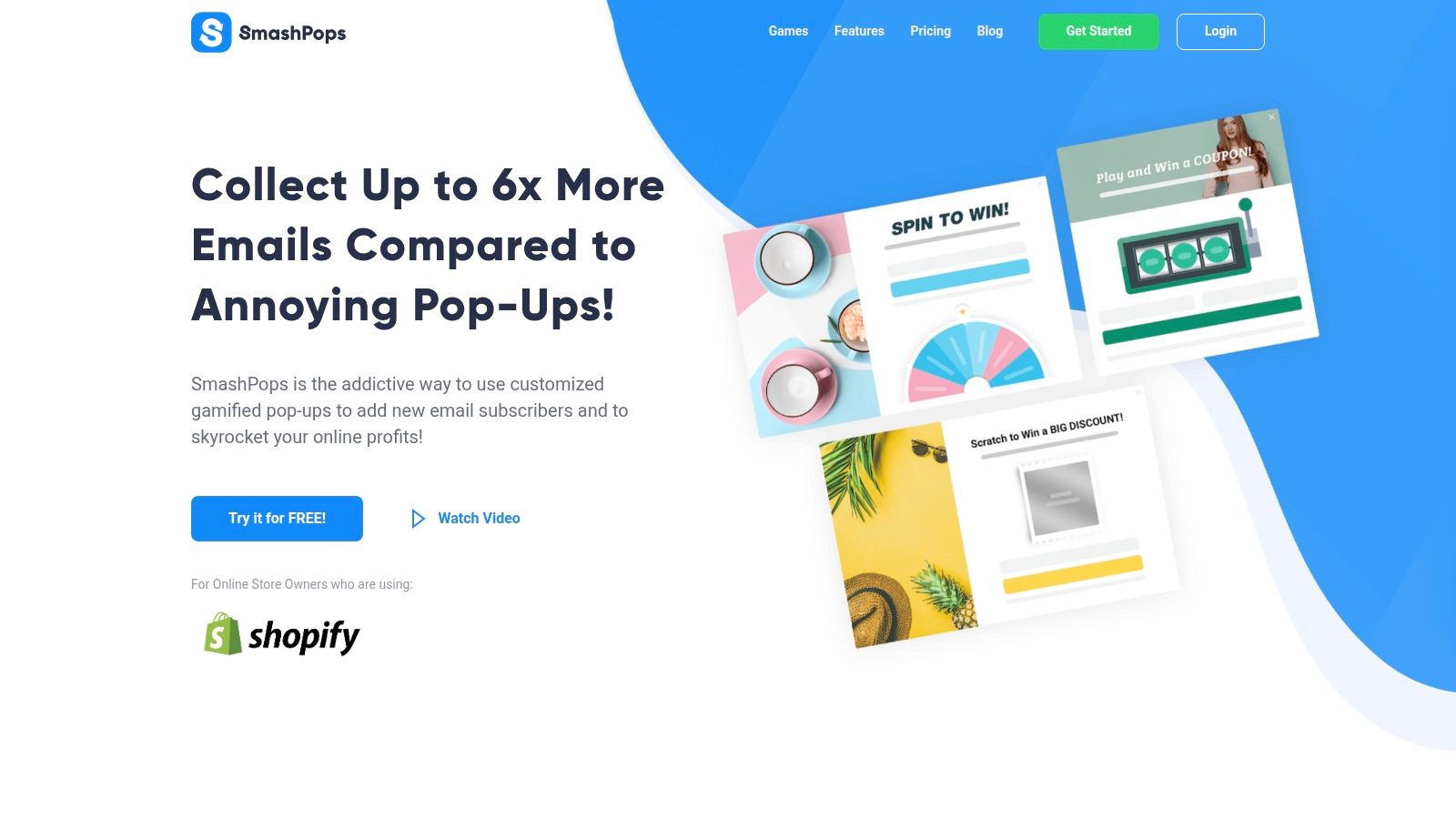
One practical example is using SmashPops as the capture layer. A shopper lands on the site, interacts with a game-based popup, receives a one-time coupon outcome, gets added to the designated Klaviyo list, and then receives the welcome email with the offer and next-step messaging. That setup is especially useful when you want list growth and discount delivery to happen inside one connected funnel instead of through disconnected apps and manual exports.
What works in this stack:
- Matching the onsite offer to the first email
- Sending contacts into one clearly defined Klaviyo list
- Using the welcome flow to continue the conversation, not just deliver the code
What usually fails:
- Too many overlapping pop-ups
- Offering discounts with no follow-up sequence
- Treating all popup leads as identical, regardless of entry source or intent
The trade-off is straightforward. More aggressive capture can grow the list faster, but it also requires tighter segmentation and cleaner offer logic. If you don't build that discipline into Klaviyo, you end up collecting names without building much value from them.
Final QA, Compliance, and Common Troubleshooting
Before you turn flows on for real traffic, test the account like a customer and like an operator. Those are two different perspectives, and you need both.
A pre-launch checklist worth doing
Run through this short QA pass before launch:
- Preview every email with test profiles so you catch broken personalization and empty variables.
- Click through key flow emails on mobile because that's where layout issues and oversized blocks show up first.
- Check trigger filters and flow exits so buyers don't keep receiving pre-purchase emails after conversion.
- Review list and consent pathways to make sure form submissions, checkout opt-ins, and imported contacts are handled correctly.
- Test one coupon journey end to end from signup to inbox to redemption behavior.
If you're tightening sender reputation before a major rollout, a practical resource on better email outreach deliverability can help you review the habits that keep messages out of spam folders.
Three issues that show up after launch
The first common problem is missing Viewed Product activity. When that happens, go back to the onsite tracking layer first. In most cases, the app embed or storefront tracking setup needs attention. Browse-based segmentation won't be trustworthy until that's fixed.
The second issue is confusing historical records or uneven profile history. If your account needs cleanup or backfill work after the initial connection, this walkthrough on syncing past integration data into Klaviyo or Mailchimp is a useful reference point for handling older records more deliberately.
The third issue is spam placement. Stores often blame the template, but the primary causes are usually a mix of sending setup, weak list hygiene, and sending promotional content to people who never asked for it. Consent language matters. Form language matters. Frequency matters. If you're selling across regions, privacy obligations matter too, especially when you're collecting email and SMS through forms, popups, and checkout.
Launching flows without QA is expensive in a quiet way. The account keeps sending, but the mistakes compound across every new subscriber.
Done right, the Shopify Klaviyo integration doesn't just automate messages. It creates a cleaner operating system for retention.
If you want to make that system more complete, SmashPops can fit into the front end of the funnel by collecting emails through interactive pop-ups and passing those subscribers into Klaviyo for automated follow-up. It's a practical option when your store needs a tighter connection between list growth, coupon delivery, and welcome flow entry.
